
Online reception for business
Your assistant on the website: it listens to people in their own words, explains what to prepare and offers a convenient time. Clients arrive ready, and you already know what it’s about.
A reception that’s always there. Even at night and at weekends: people write when it suits them, and by morning you have a sorted enquiry.
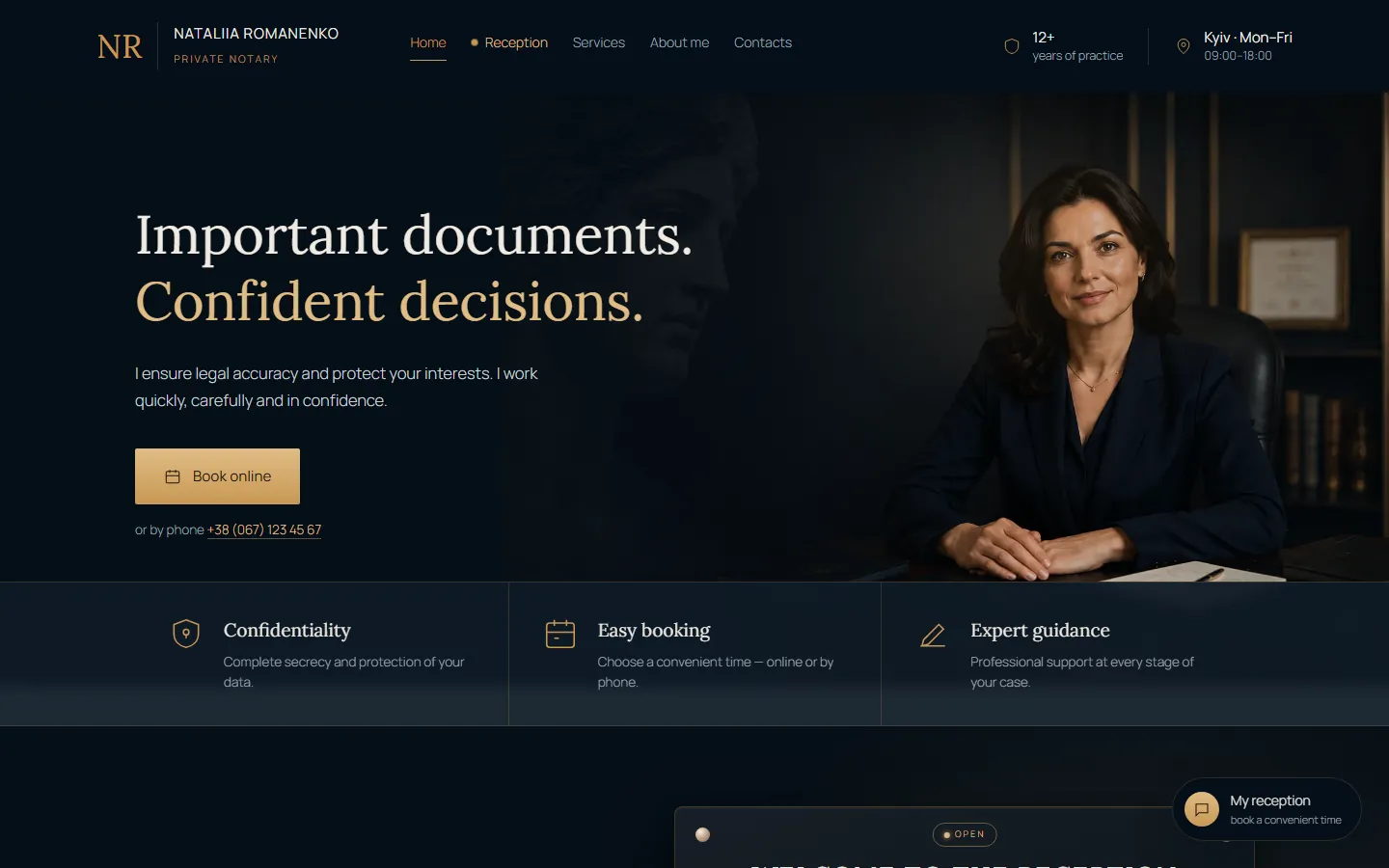
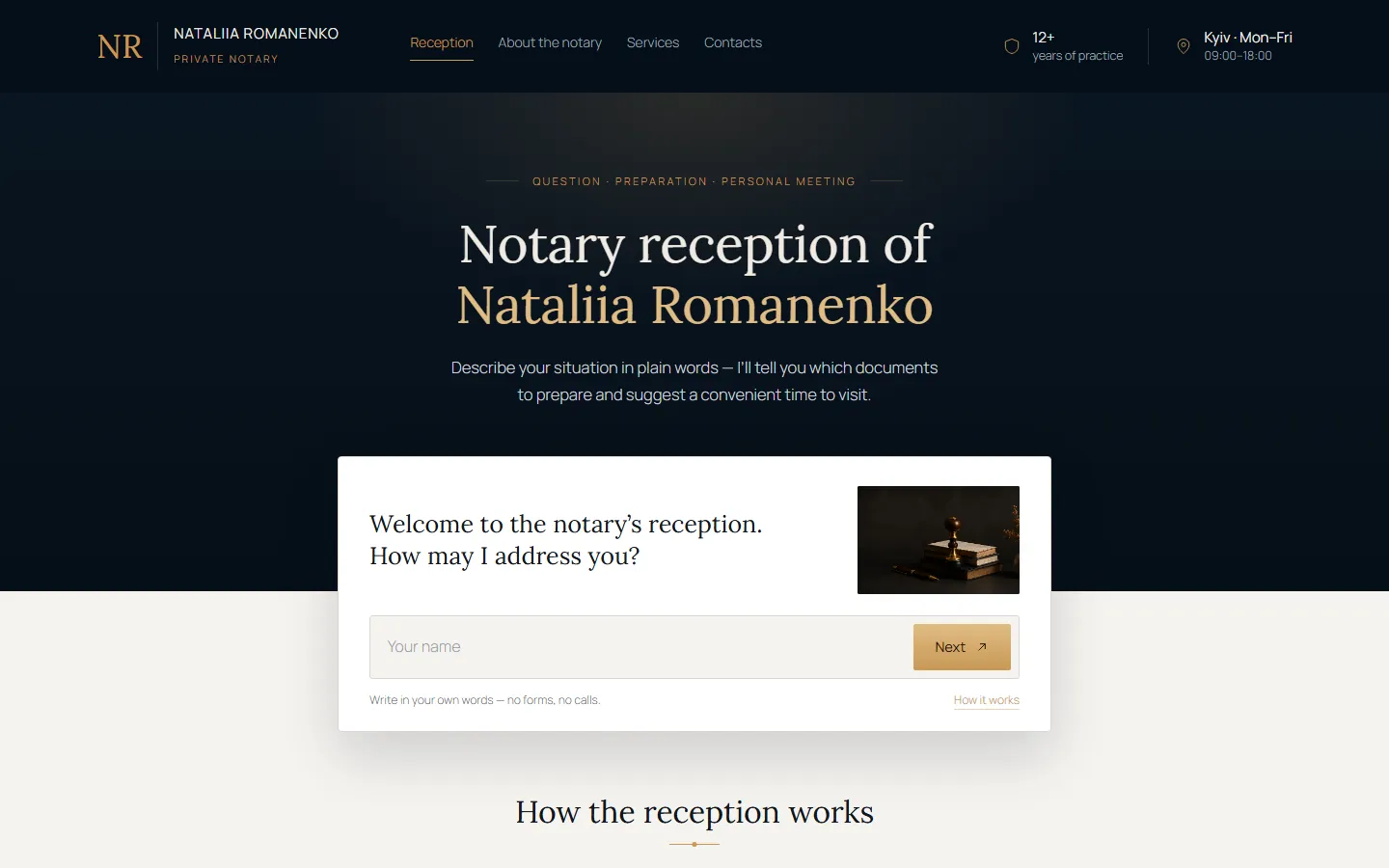
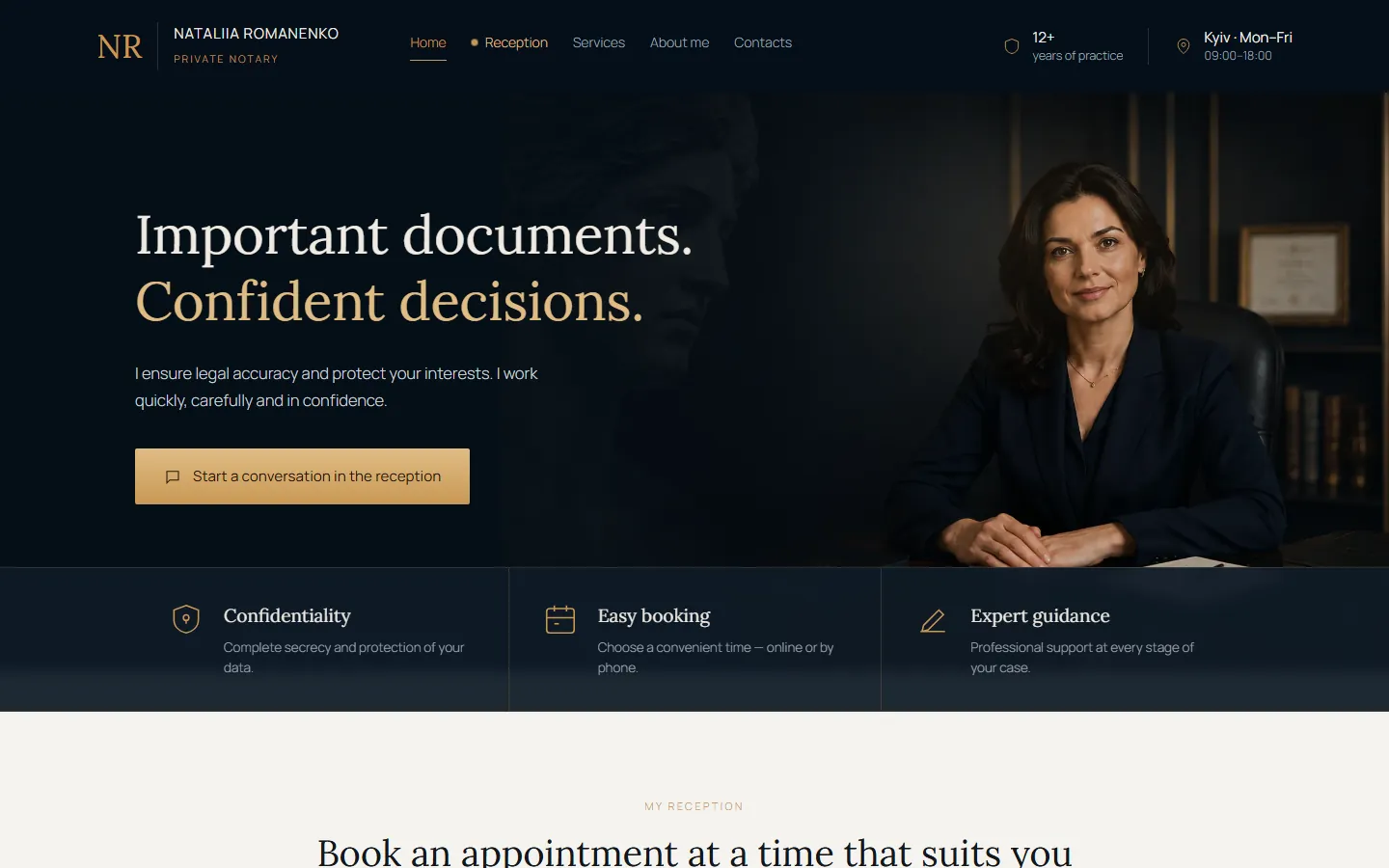
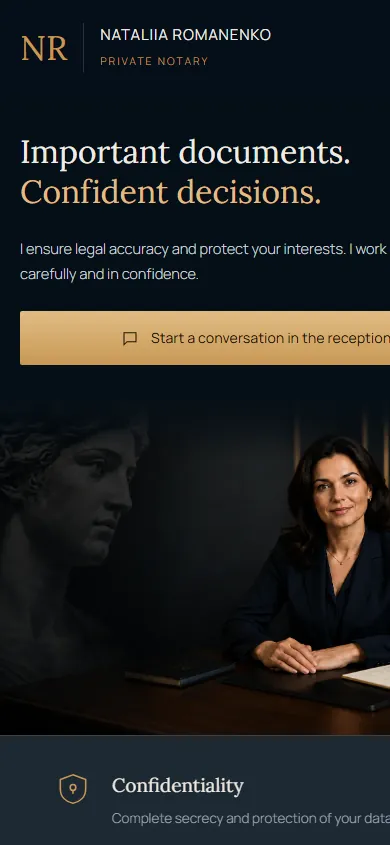
Online reception for business: an AI assistant on your website 24/7. reception.Conversation · Preparation · Booking · Meeting
ScrollAn assistant that’s always there
People write when it suits them. The reception listens, prepares and books.
What it does
It listens.It prepares.It books a convenient time.
No forms and no “choose a category” buttons — people explain in their own words. The reception tells them which documents to bring for their situation and offers free slots from your schedule. You simply confirm.
One evening at the reception ↓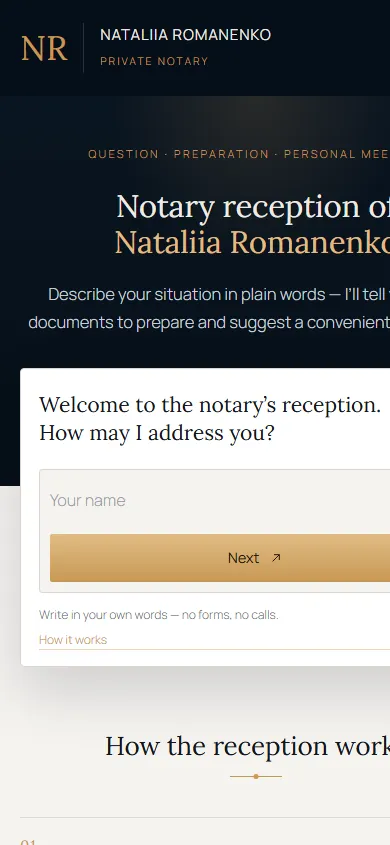
One evening at the reception
You’re already home.
The reception is still open.
People often deal with these things in the evening and at weekends — when the office is closed. Here is what such a request looks like when the website has a reception.
A person writes in their own words
Good evening. My husband and I are buying a flat, and the seller wants to sign next week. What do we need?
The reception answers like a person
It explains how the deal works and who must be present, and checks what matters: is the seller married, do they have the title document. No unnecessary questions.
Document list and appointment
Passports and tax numbers of both parties, the title document, a valuation report, consent of the seller’s spouse. The reception offers free slots — they choose Thursday, 10:30, for both parties.
The notary opens the office
The request is already sorted: who is coming, with which documents and what to check before the deal. All that’s left is to confirm the time — no calls, no back-and-forth.
Want to talk to the reception yourself?
Get demo access ↗The notary’s office
Mornings without a pile of calls.
Just sorted requests.
- 01The essentials, brieflyEvery request is a clear card: the topic, the circumstances, the parties and what has already been clarified.
- 02Ready for the visitYou see which documents the person already has, which they will bring and what is missing — before they arrive.
- 03Next stepThe office suggests what to do next: confirm the time, clarify a detail or request a document.
- 04Telegram notificationsYou hear about every new request at once — with no names or details in the message; everything else stays in the password-protected office.
- Situation
- Buying with her husband, a two-room flat in Kyiv. One seller, married.
- To check
- Title, encumbrances, consent of the seller’s spouse
- Documents
- Passports and tax numbers
- Title document
- Valuation report — ordered
- Seller’s wife’s consent — being clarified
- Visit
- Thursday, 10:30 — both parties
An illustrative example: names and circumstances are made up.
Try it yourself
One conversation says more
than a hundred pages.
How to add it to your website
Three ways to open the door.
Choose yours.
A sign on your website.
Your website stays as it is. A visible sign, a menu item and a button lead to a separate reception page.
Reception as the home page.
People start the conversation on the first screen. About you, services and contacts — further down the same page.
Introduction, then reception.
The first screen is about you. Right below it — the reception window, as if the door is already ajar.
Examples on a demo notary website from our catalogue. No website? The reception works on its own — share the link on your business card, Google Maps or messengers.
Notary website catalogue ↗You meet the people.The reception prepares them for you.
It doesn’t replace you or give professional conclusions. It takes over what eats your time: explaining, clarifying, booking.
From first talk to launch
We get to know your work
What people come to you with most often, how you work, your schedule and booking rules.
We train the reception
We prepare a knowledge base for your work: typical situations, documents, deadlines and tone. We test it on hundreds of real questions.
We add it to your website
In your style — as a sign, the home page or a window on the page. We connect the office and notifications.
We launch and support it
We show you how to use the office. We review the first requests together and extend the reception’s knowledge.
Not about looks. About the feeling
Don’t dwell on the design right now — that’s not what this is about. Feel how much easier your work becomes.
TRUST COMES FIRST
It knows its job.And knows its limits.
The reception answers from a knowledge base we prepare for your work, and calculates deadlines by the rules — not by guesswork.
When a question needs a professional, it says so and passes the request to you. Before the conversation, people see that they are talking to a digital assistant and agree to data processing.
The reception gives no legal opinions and makes no decisions. The final word is always yours.
Not just for notaries
Any business where people
need to be heard and booked.
The notary example is the hardest one: lots of rules, deadlines and documents. If the reception handles it here, it will handle your business too.
Questions?
Your reception.
Honest answers.
Is it just a chatbot?+
No. A typical chatbot walks people through buttons and templates. The reception talks in plain language, knows your work from a knowledge base we prepare together and remembers what was said. If a question needs you, it says so.
What if the reception gets it wrong?+
It gives no conclusions and makes no decisions for you. It takes facts from an approved knowledge base, calculates deadlines by the rules and passes anything doubtful to you. Before launch we test it on hundreds of real questions and keep extending its knowledge based on the first requests.
How will I know about new requests?+
The office shows a queue of requests with a hint on what to do next. You can get a Telegram notification for every new request. Clients can also continue the conversation in Telegram if they prefer.
I already have a website. Will it need rebuilding?+
No. We add the reception to your existing website in its style — as a sign, the home page or a window on the page. If you have no website, the reception works on its own, and you can share the link on your business card, Google Maps or messengers.
What about client data?+
Before the conversation, people agree to data processing. Only you see the requests — in the password-protected office. Notifications contain no names or details. Clients can delete their conversations themselves.
How much does it cost?+
It depends on your field, the amount of knowledge and how it is placed. First we show how the reception would work for your business, and we name the price before any work starts.
The online reception is a digital assistant on your website: it answers typical questions, prepares clients for the visit and offers appointment times. Its knowledge, placement and setup are agreed before work starts.
WE’LL SHOW IT ON YOUR BUSINESS
A reception that
never closes.
Tell us what people come to you with.
We’ll show how the reception would greet your clients.